

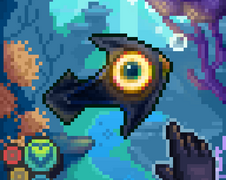
Be a printer!
Game created for LOWREZJAM2026
Have you ever wanted to be a printer? No?
Well now you can :D
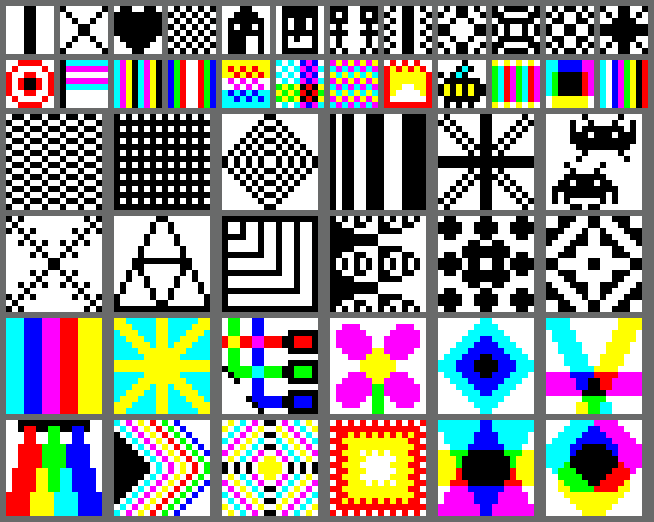
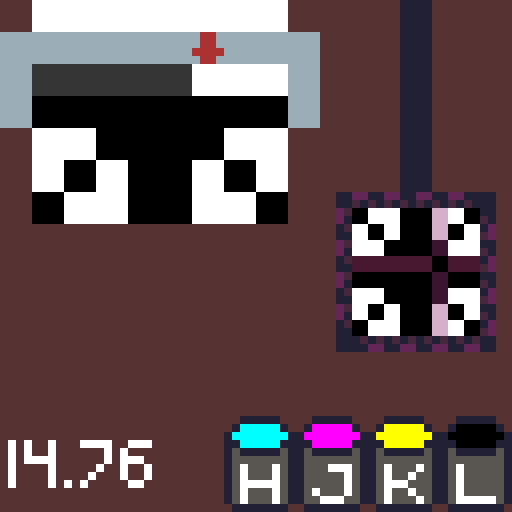
Choose from a variety of 8x8 and 16x16 images to print out one pixel at a time. Try not to mess up because there is no way to undo, just like a real printer >:)
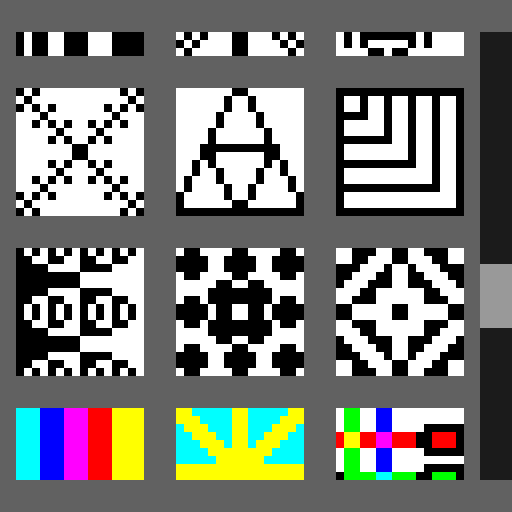
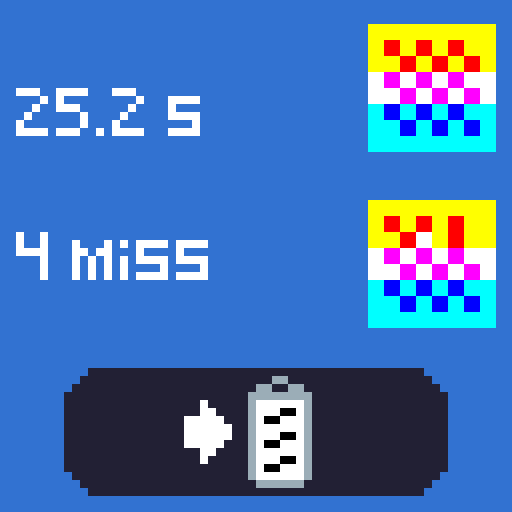
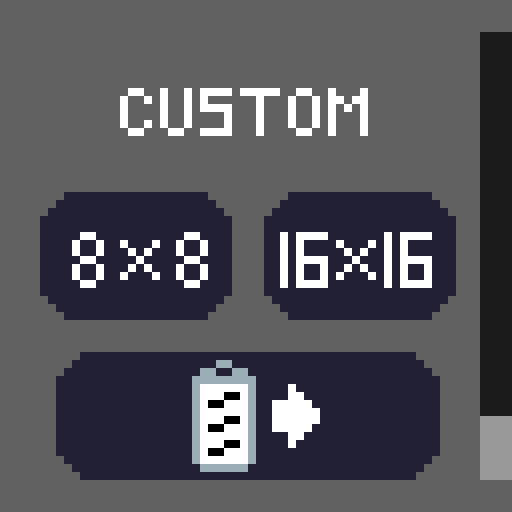
At the bottom of the level select screen are buttons to print with no example image. This can be helpful for creating custom prints, which can be saved to your clipboard on the results screen. The button at the bottom of level select will read your clipboard contents and load you into the corresponding level (if the clipboard contents contain a string for a valid level). Here's an example:
7000000700700700700000070070070070000007007007007000000700700700
There's a lot of keybinds, here's a list:
Z, X, Space: Moves the printing head to the right by one column
Shift, Enter: Moves the page down by one row and resets the printer head to the first column
H, J, K, L: Prints a single dot of Cyan, Magenta, Yellow, and Black respectively.
Y, U, I, O: Continuously prints Cyan, Magenta, Yellow, and Black respectively, This means moving the head while holding one of these keys can be used to print a line.
N, M: Prints black as a point and continuously respectively (useful for black and white images)
Esc: Moves you back to the level select screen or title screen (depending on what menu you're on)
R: Quickly restart the image you were printing, setting your time back to zero. Can also be used on the results screen.
Download
Click download now to get access to the following files:
Comments
Log in with itch.io to leave a comment.
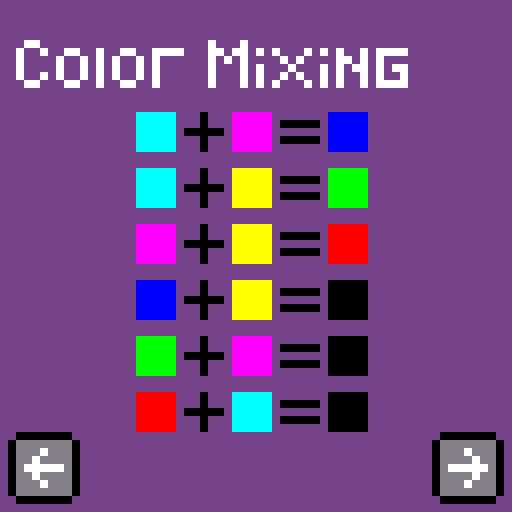
What a genuinely original premise — recreating a pixel image one dot at a time as an actual printer is such a good fit for the 64x64 constraint. I printed the heart: laid a yellow row, fed the page with Shift, put a black row over it, and the "no undo, just like a real printer" line hit exactly as intended — every dot suddenly feels deliberate, and the timer adds a nice speedrun itch on top. The CMYK subtractive-mixing chart (C+Y=green, M+Y=red...) is a smart touch that turns a copy task into real planning, and giving both point keys (H/J/K/L) and continuous line keys (Y/U/I/O) for dragging lines is thoughtful ergonomics. Only note: that's a LOT of keybinds to hold at once early on — highlighting the next-needed ink, or a tiny on-screen legend during printing, could ease newcomers in. The tutorial pages are clear though. Charming, weirdly meditative idea, well executed. Nice work!